Family Safety Plan
Create contacts, meeting points, household roles, and check-in assumptions in one Family Safety Plan section generated from your household details.
Emergency Preparedness and Family Safety Plan Generator
This tool creates a general preparedness checklist from your household details. It does not provide live alerts, local shelter data, or medical emergency instructions. Enter your household size, children, older adults, pets, housing type, main risks, preparation period, and go bag needs to build one practical Emergency Preparedness and Family Safety Plan Generator result.
Free - Browser generated - Printable emergency plan
Use this Emergency Preparedness and Family Safety Plan Generator as one combined Emergency Plan Generator, Go Bag Checklist, Family Safety Plan, Power Outage Checklist, Evacuation Checklist, and Important Documents Checklist. It creates one printable emergency plan instead of splitting preparedness into several small tools.
Count everyone who should be included in the family safety plan, including people who may need extra help.
Housing affects power, water, evacuation, stair, balcony, garage, and shared-building checklist items.
Choose whether you want a fast 7-day starter plan or a fuller 30-day household readiness plan.
Household needs
Select children, older adults, pets, and go bag needs so the Emergency Preparedness and Family Safety Plan Generator can add the right sections.
Main risk types
Select likely planning scenarios. This is not a live hazard forecast or local risk score.
| Contact | Role | Phone or method | Backup note |
|---|
Copy this printable emergency plan into notes or print it from the browser. Printing only includes the generated plan, not the rest of the page.
This Emergency Preparedness and Family Safety Plan Generator does not provide real-time disaster alerts, local shelter lookup, official alert push notifications, medical first aid advice, disaster maps, weather warnings, emergency service dispatch, or professional evacuation orders. Those features need real-time data, official data sources, local authorities, or medical judgment, so they are too data-heavy and not appropriate for a pure frontend planner.
Print style
The Emergency Preparedness and Family Safety Plan Generator turns a few household details into one calm, printable checklist that covers contacts, go bags, outages, evacuation, documents, pets, roles, and next steps.
Choose your household size, housing type, children, older adults, pets, main risks, preparation period, and go bag preference. The Emergency Preparedness and Family Safety Plan Generator uses those details to tailor the checklist without collecting sensitive addresses or phone numbers.
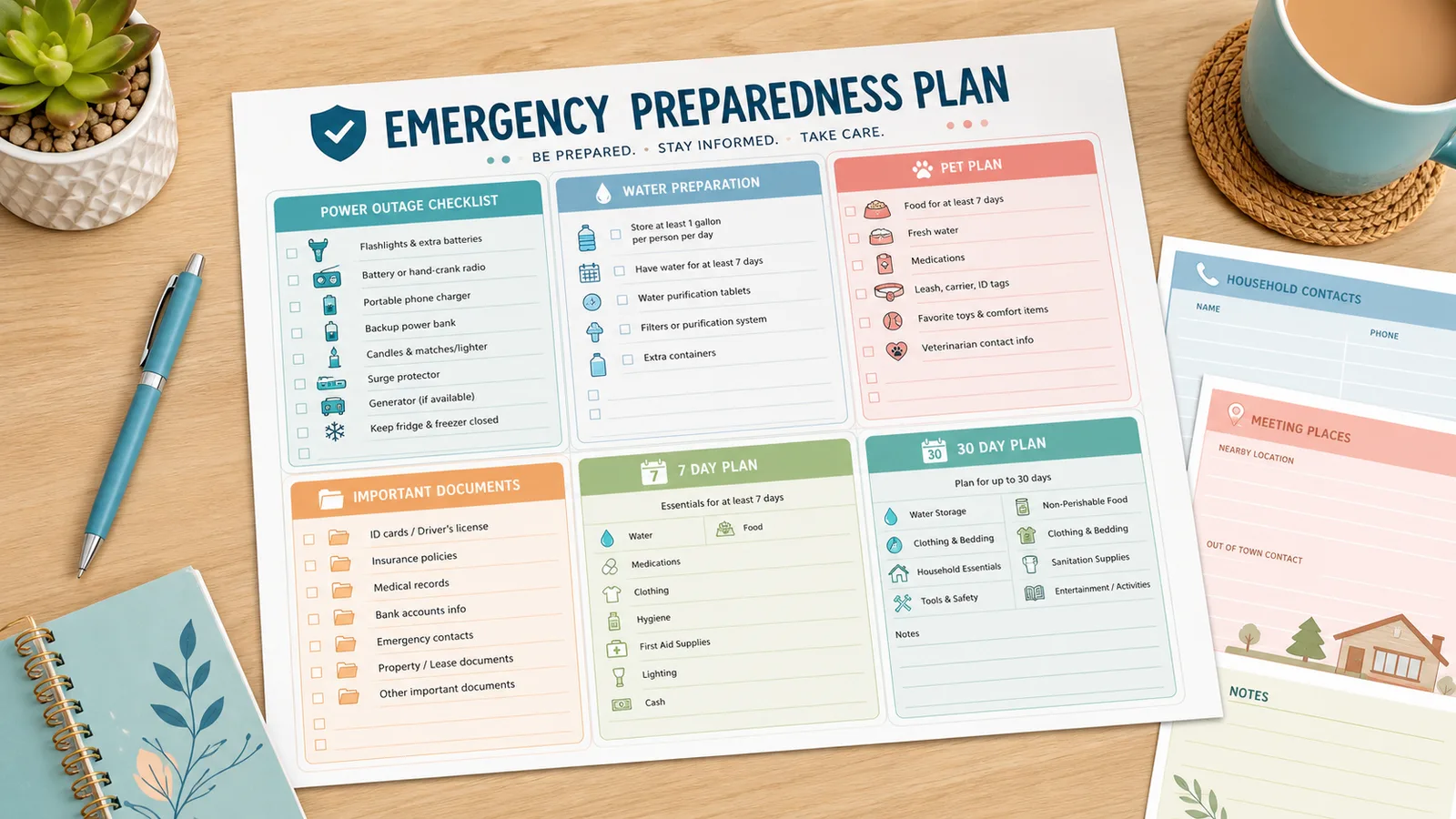
The Emergency Preparedness and Family Safety Plan Generator adds go bag items for household size, children, older adults, pets, and selected risks. It keeps the result general and practical, with space for your own official local details.
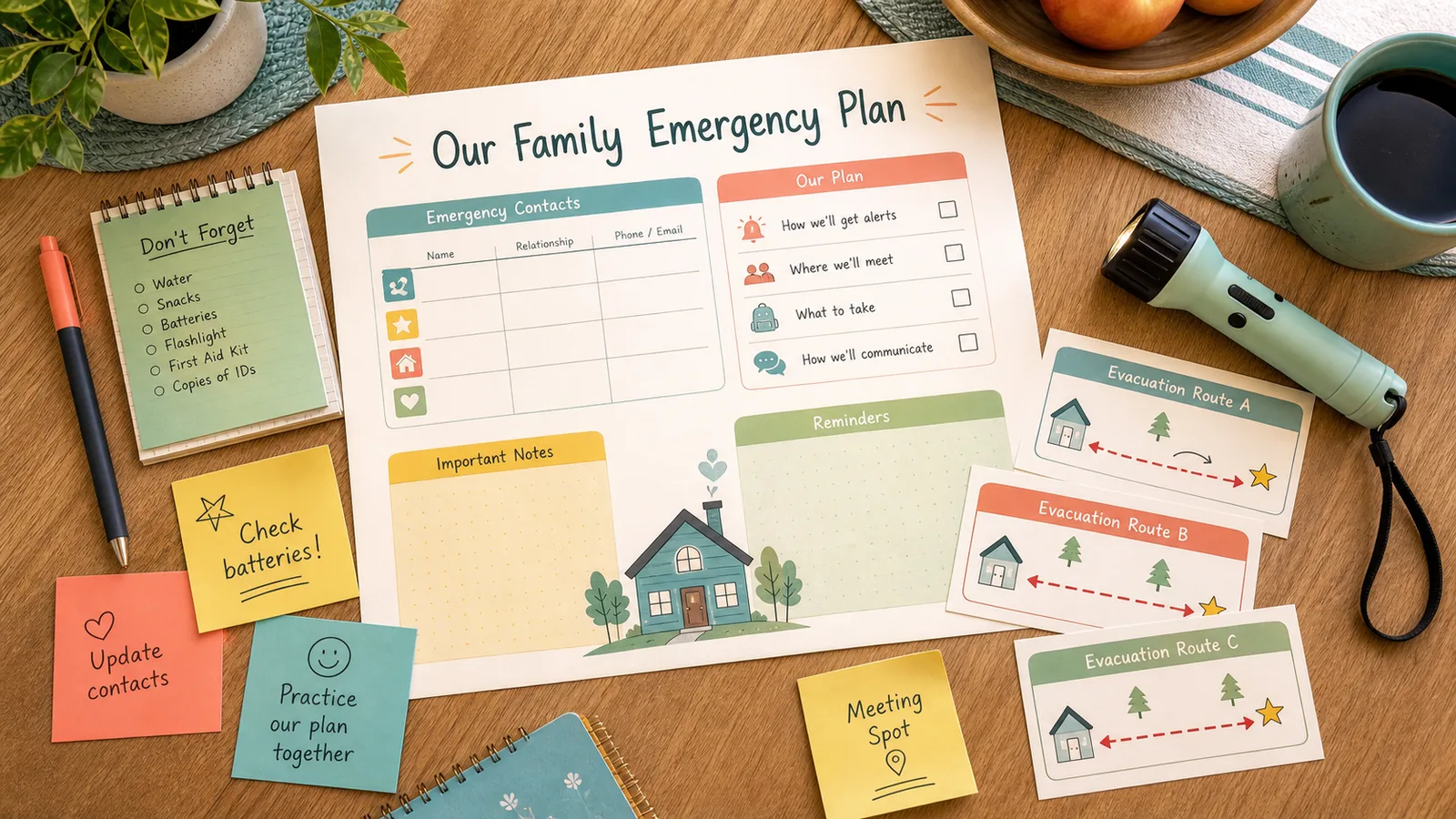
Choose a comfortable print style, copy the plain-text emergency plan, or print only the generated checklist. The Emergency Preparedness and Family Safety Plan Generator keeps page navigation, share buttons, and marketing sections out of the printed result.
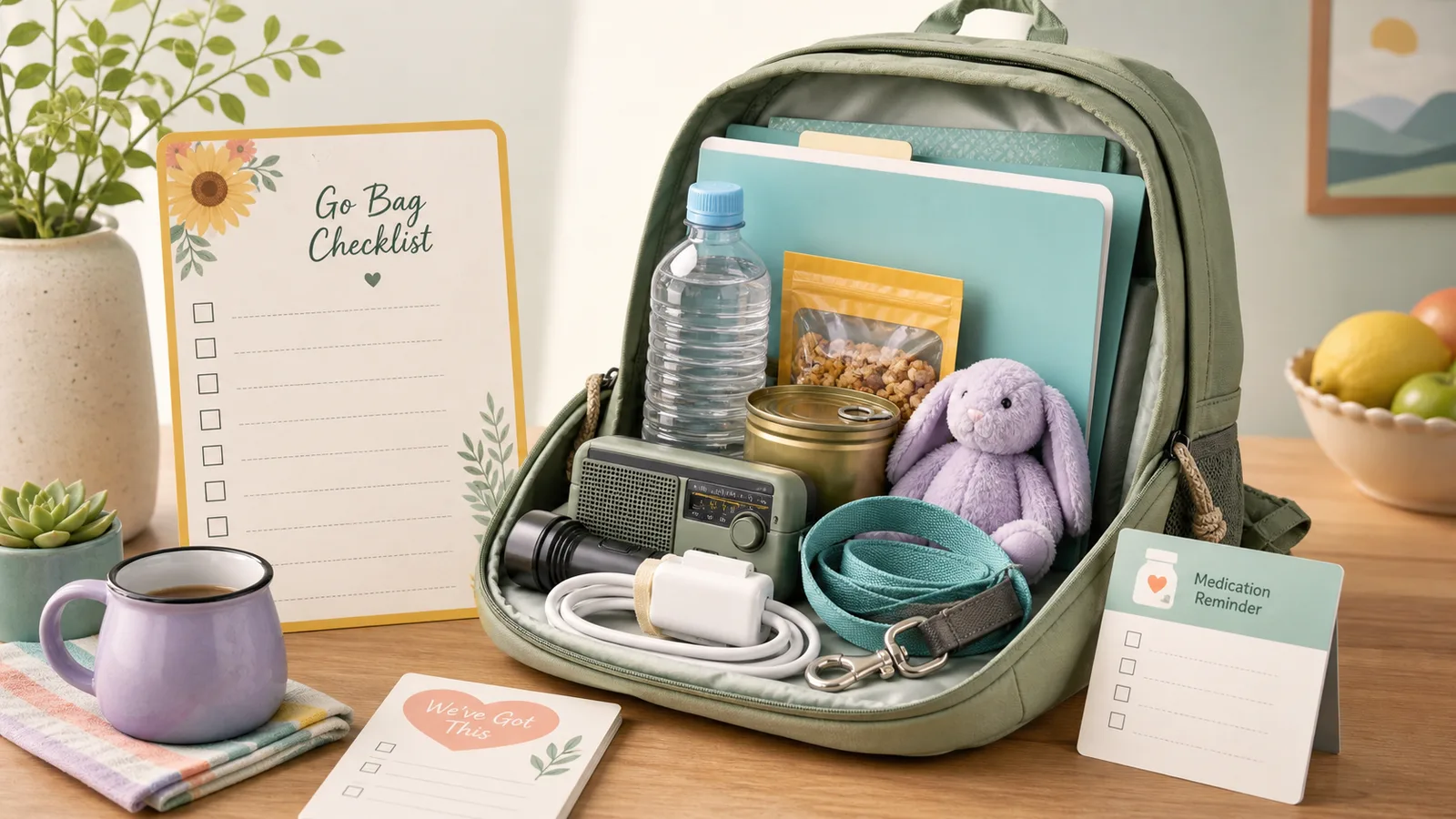
The Emergency Preparedness and Family Safety Plan Generator combines several common preparedness templates into one page, so the household plan stays connected.
Create contacts, meeting points, household roles, and check-in assumptions in one Family Safety Plan section generated from your household details.
Generate a Go Bag Checklist that adjusts for kids, older adults, pets, evacuation needs, power outages, winter storms, heat, flooding, and smoke planning.
Add a Power Outage Checklist for water, food, safe light, charging, building access, device priority, and utility contacts.
Create an Important Documents Checklist for IDs, insurance, medication lists, school or care records, pet records, and secure paper or digital copies.
The Emergency Preparedness and Family Safety Plan Generator works best when you treat it as a practical household worksheet, then fill in official local details yourself.
Choose the number of people, housing type, preparation period, children, older adults, pets, go bag need, and main risk types. You do not need to enter private addresses or phone numbers.
Check the emergency contacts table, go bag checklist, power and water checklist, meeting points, pet section, documents checklist, member roles, 7 day plan, and 30 day plan.
All generation happens locally in your browser.
Choose a print style, print only the generated emergency plan, and write in phone numbers, addresses, official local contacts, and any household-specific notes after printing.
Review the printed plan monthly and whenever your household, address, school, caregiver, or pet situation changes.
Generate a printable planCommon questions about using the Emergency Preparedness and Family Safety Plan Generator as a general household planning tool.
No. The Emergency Preparedness and Family Safety Plan Generator is a general planning checklist. It does not provide live alerts, weather warnings, shelter lookup, disaster maps, official evacuation orders, or emergency service dispatch.
It uses household size, children, older adults, pets, housing type, main risk types, preparation period, and whether you need a go bag. It does not ask for private addresses, real phone numbers, or medical details.
No. It can remind you to keep medical information and supply lists accessible, but it does not provide medical emergency instructions, diagnosis, treatment, triage, or first aid advice. Use qualified medical and official emergency sources for those needs.
Yes. It includes a Go Bag Checklist when selected and adjusts it for household size, children, older adults, pets, and selected planning risks.
Yes. The print button and print CSS are set up so only the generated emergency plan prints. The hero, share widget, FAQ, navigation, and other page sections are excluded from print.
The tool runs locally in your browser and does not need an account. It also avoids collecting exact contact information; the printed contact table is designed for you to fill in after generating.
Rerun it whenever your household size, housing, pets, caregiver situation, school pickup plan, transportation, or risk focus changes. A monthly supply and contact review is a useful rhythm.
Use the Emergency Preparedness and Family Safety Plan Generator to create one practical household readiness plan in your browser.
Then print it, fill in official local contacts, and keep a copy where your household can actually find it.
Free - No sign-up - Local browser generation