Study Plan Generator

Build your study plan before the exam stress hits

Enter your exam date, subjects, and available study hours. The study plan generator builds a realistic week-by-week schedule — ready to print or export as PDF in seconds.

Free · No sign-up · PDF export

Study Plan Generator

3 hrs

How many hours can you study per day?

1

Days you won't study (0 = study every day)

Subjects to Study

PDF settings

Paper size

Print style

A study plan generator built for real exam prep

Most study schedules fall apart because they don't account for your actual life. This one does.

Know exactly what to study, every single day

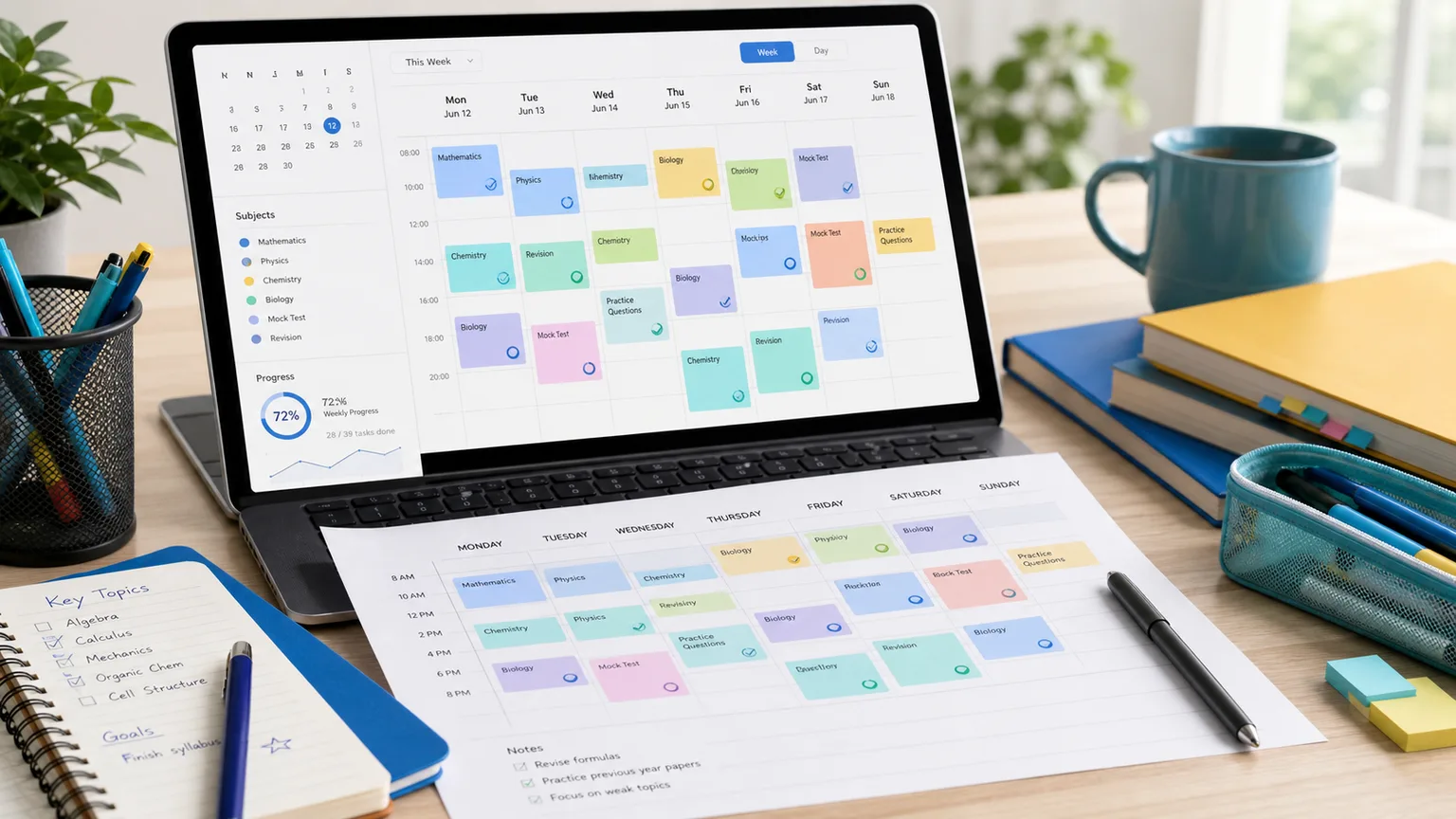
Enter your exam date, daily hours, and rest days — the generator counts your real available study days and builds a day-by-day schedule automatically. No spreadsheets, no guesswork.

Study plan generator showing a precise day-by-day schedule

Harder subjects get more time — automatically

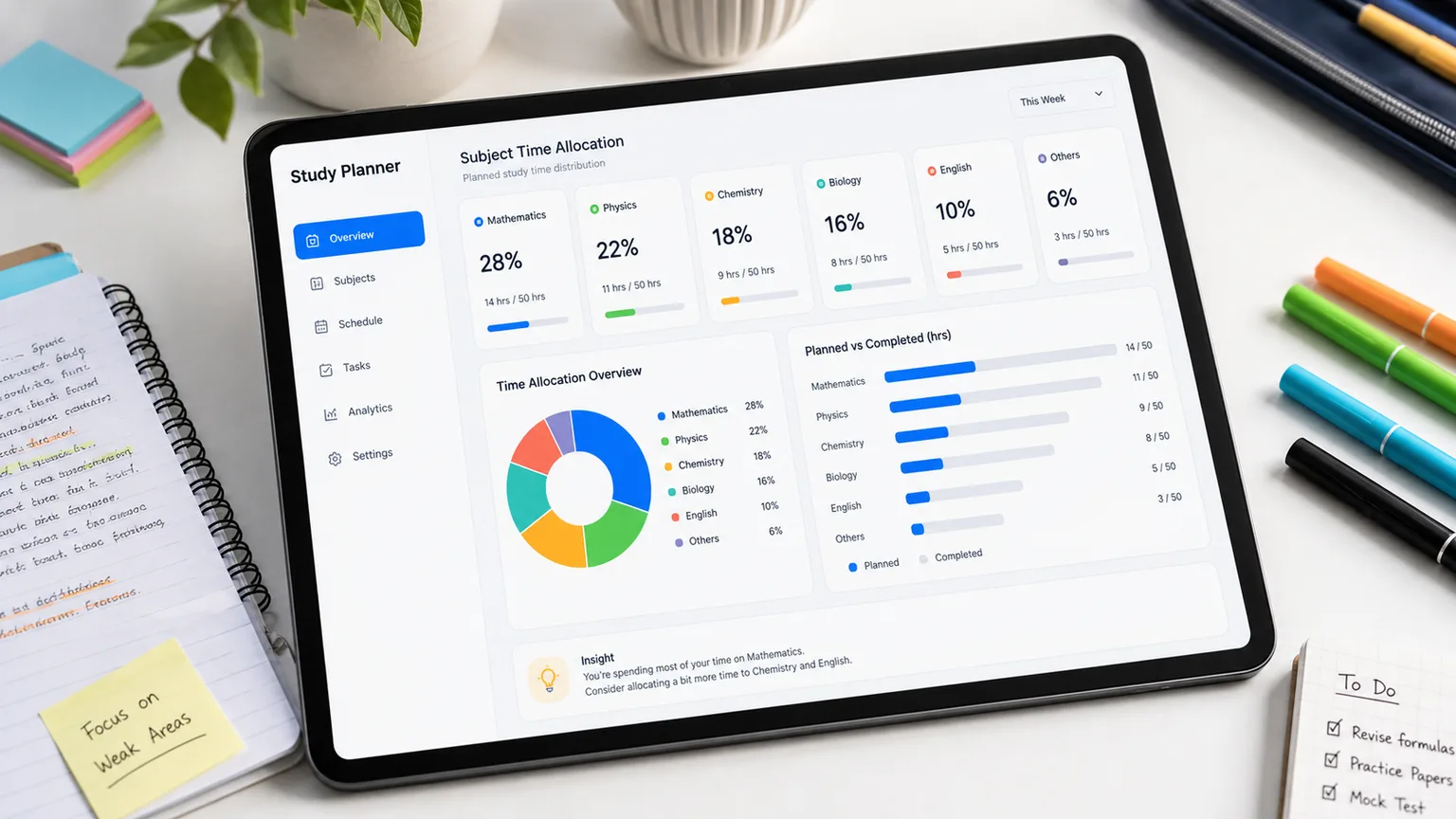
Estimate total hours per subject. The planner allocates days proportionally across your study period, so tough subjects get their fair share without you doing any arithmetic.

Subject breakdown chart showing proportional time allocation

Export to PDF and pin it where you study

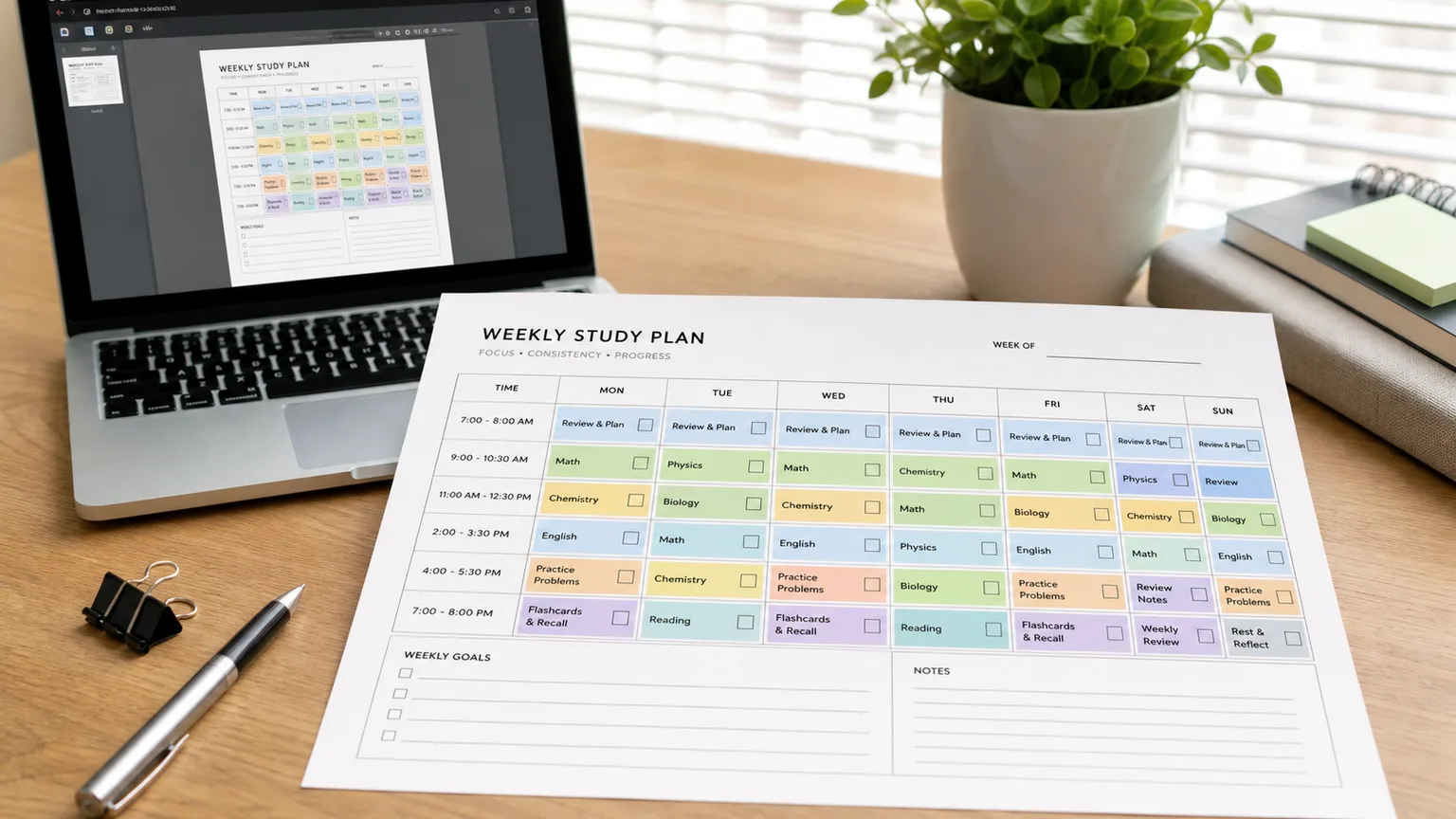
Download your plan as a crisp PDF — A4 or Letter, economy black-and-white or full color. Print it, stick it on your wall, and cross off each day as you go.

Study plan PDF ready to download, print, and pin on a wall

How to use the study plan generator

From exam date to a ready-to-follow study schedule in three steps.

01

Set your exam date and daily hours

Start with when your exam is and how many hours a day you can realistically commit to studying. The generator uses this to calculate your total available study time.

  • Be honest about daily hours — overestimating leads to burnout
  • Include buffer time before the exam for review
Try the generator
02

Add your subjects with time estimates

List every subject you need to cover and roughly how many total hours each one requires. Not sure? A typical exam subject needs 15–40 hours of focused preparation.

You can add as many subjects as needed and adjust hours any time before generating.

03

Generate, export, and follow your plan

Click generate and your week-by-week study schedule appears instantly. Download it as a PDF, print it, or copy it to your notes app. Update it any time if your situation changes.

Print the plan and stick it somewhere visible. Studies show that written goals are significantly more likely to be followed than digital-only ones.

Generate now

What makes this study plan generator actually useful

There are plenty of blank study schedule templates online. Here's why a generator is different.

Counts your real study days

The generator calculates exactly how many days you have until your exam, subtracts rest days, and distributes your study load across what remains. No manual day-counting.

See it work

Balances subjects by weight

Enter the hours each subject needs. The planner proportionally allocates days across your study period, so harder subjects get more time without you doing the math.

Try subject weighting

Warns you when time is tight

If your available study time is less than your estimated subject hours, the planner flags the gap so you can adjust before it's too late — not the night before the exam.

See time warnings

Export as PDF, A4 or Letter

Download your study plan as a clean PDF in A4 or Letter size. Choose economy black-and-white to save ink, or full color. Preview before you download.

Try PDF export

Study plan generator — frequently asked questions

Common questions about building a study schedule with PlannerGen.

Can I use this study plan generator for any exam?

Yes. You enter your own subject names and hour estimates, so the generator works for any exam — high school finals, college courses, IELTS, TOEFL, SAT, GRE, GMAT, bar exams, professional certifications, or any other structured exam prep.

How many hours per day should I plan to study?

Research on effective studying suggests 3–5 focused hours per day is realistic for most people, especially over a multi-week period. Setting an unrealistic target (like 10 hours daily) leads to burnout and plan abandonment. Start conservative and adjust.

How do I estimate how many hours each subject needs?

A rough guide: familiar subject needing a refresher = 10–20 hours. Standard exam subject = 20–40 hours. Dense or new material = 40–80+ hours. If you've seen the material before in class, lean lower. Brand new content, lean higher.

Can I download my study plan as a PDF?

Yes. Once your plan is generated, use the Export as PDF section to choose your paper size (A4 or Letter) and print style (economy black-and-white or full color), then preview or download your plan as a PDF file.

What if my exam date changes?

Simply update the exam date field and generate a new plan. The study plan generator recalculates everything instantly based on the new date.

Can I add more than one exam to the same plan?

The current version generates one plan per exam. If you have multiple exams, generate separate plans and combine them manually. Multi-exam support is on the roadmap.

Is the study plan generator free?

Yes, completely free. No account, no subscription, no payment. PlannerGen is supported by non-intrusive advertising rather than charging users.

Your exam isn't getting further away.

The study plan generator is free and takes less than a minute to use.

Enter your exam date and subjects — walk away with a real study schedule.

Free · No sign-up · PDF export